Overview
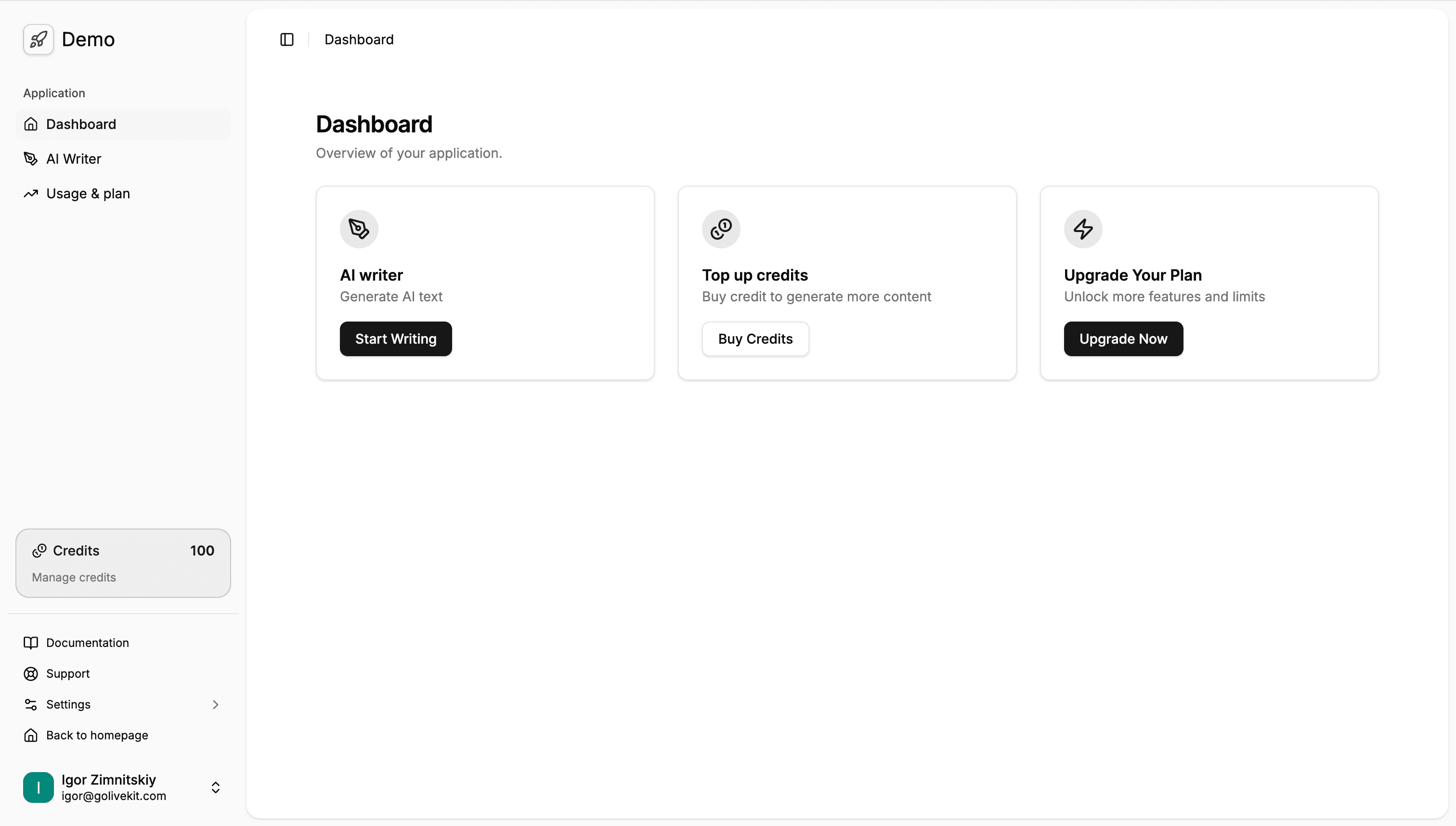
Overview of GoLiveKit dashboard.
AI Skill for dashboards
Prompt: Type
/dashboards in your Copilot / Cursor or other chat to use skill with the provided context./dashboards Create a new dashboard page/chart [describe requirements].
Dashboard Area
Dashboard pages live under /dashboard and are role-gated by layout checks.
Screenshots
The dashboard comes fully equipped with essential SaaS features including user settings, billing, subscriptions, credit management, and role-based access control. Click on any image below to zoom in.
Main Dashboard
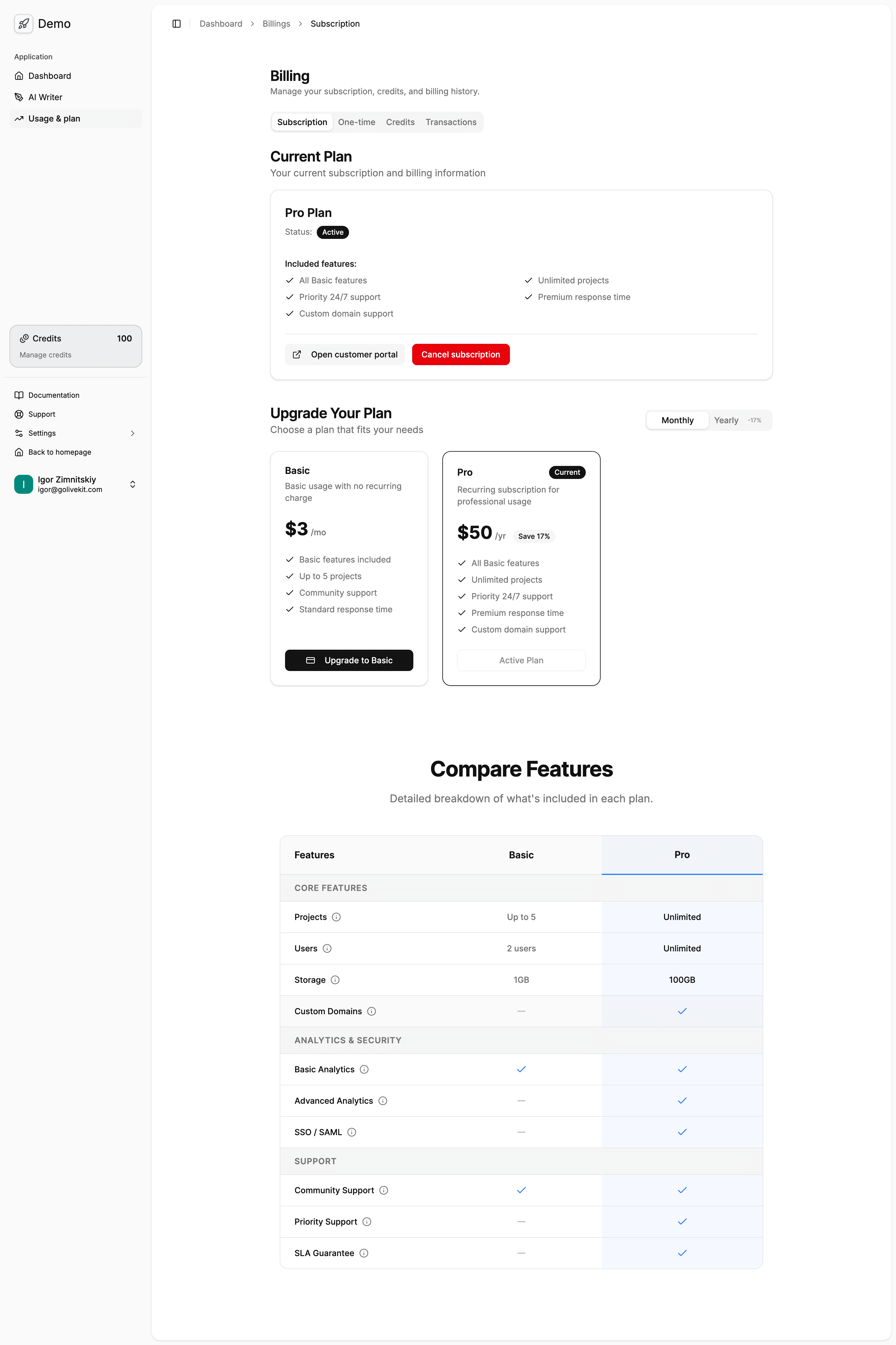
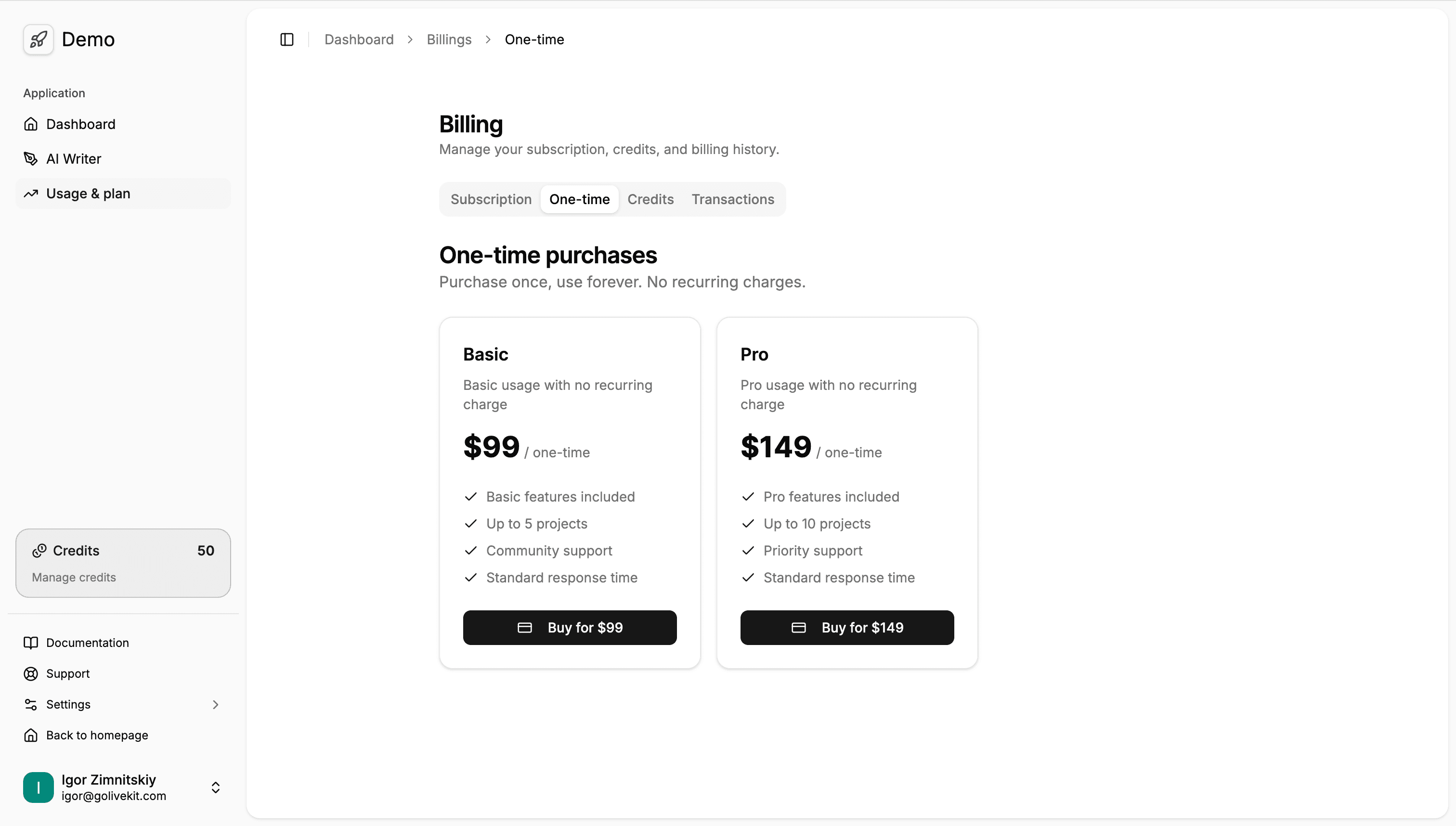
Subscriptions & Billing
Manage recurring subscriptions and one-time payments easily.
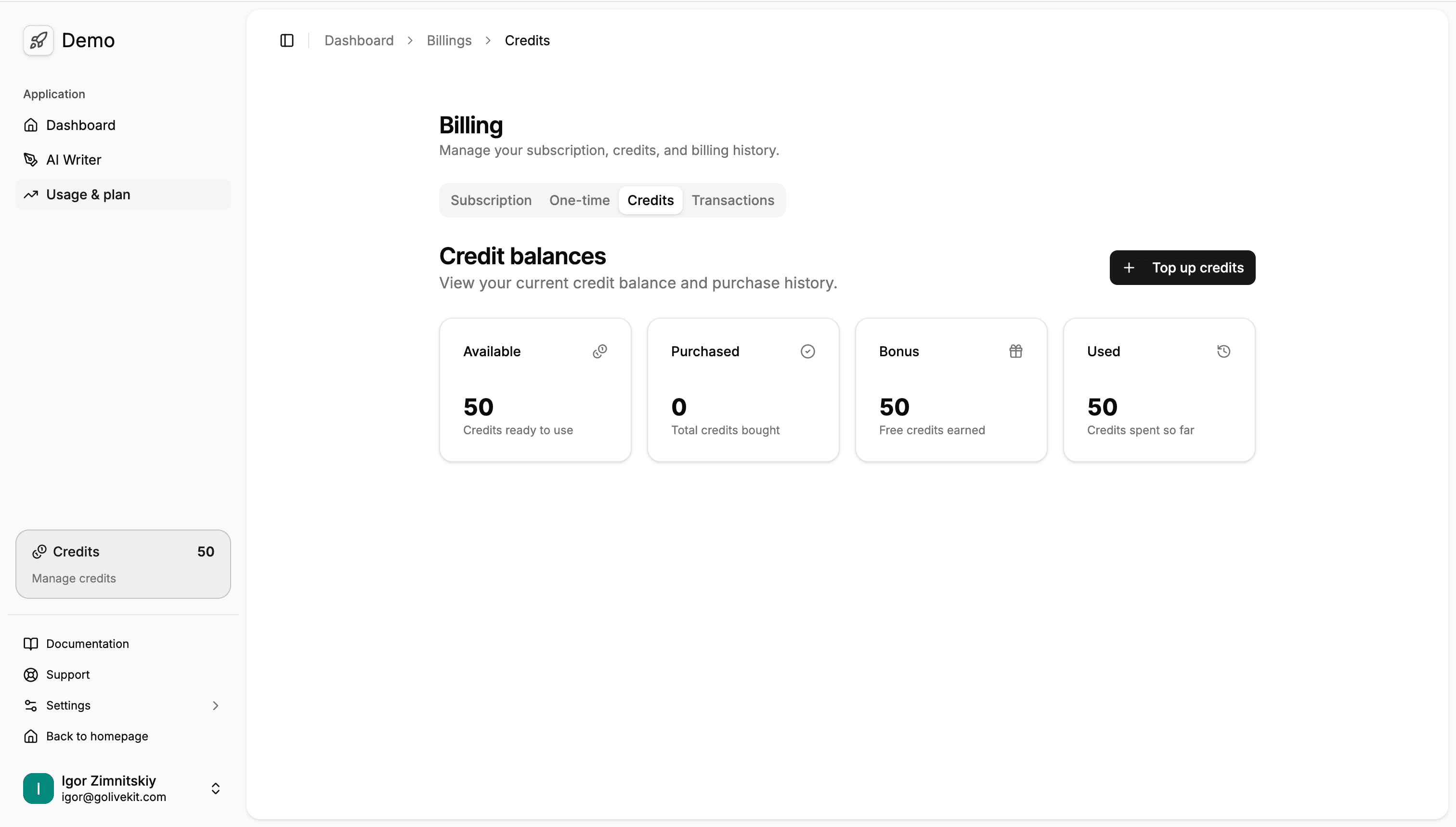
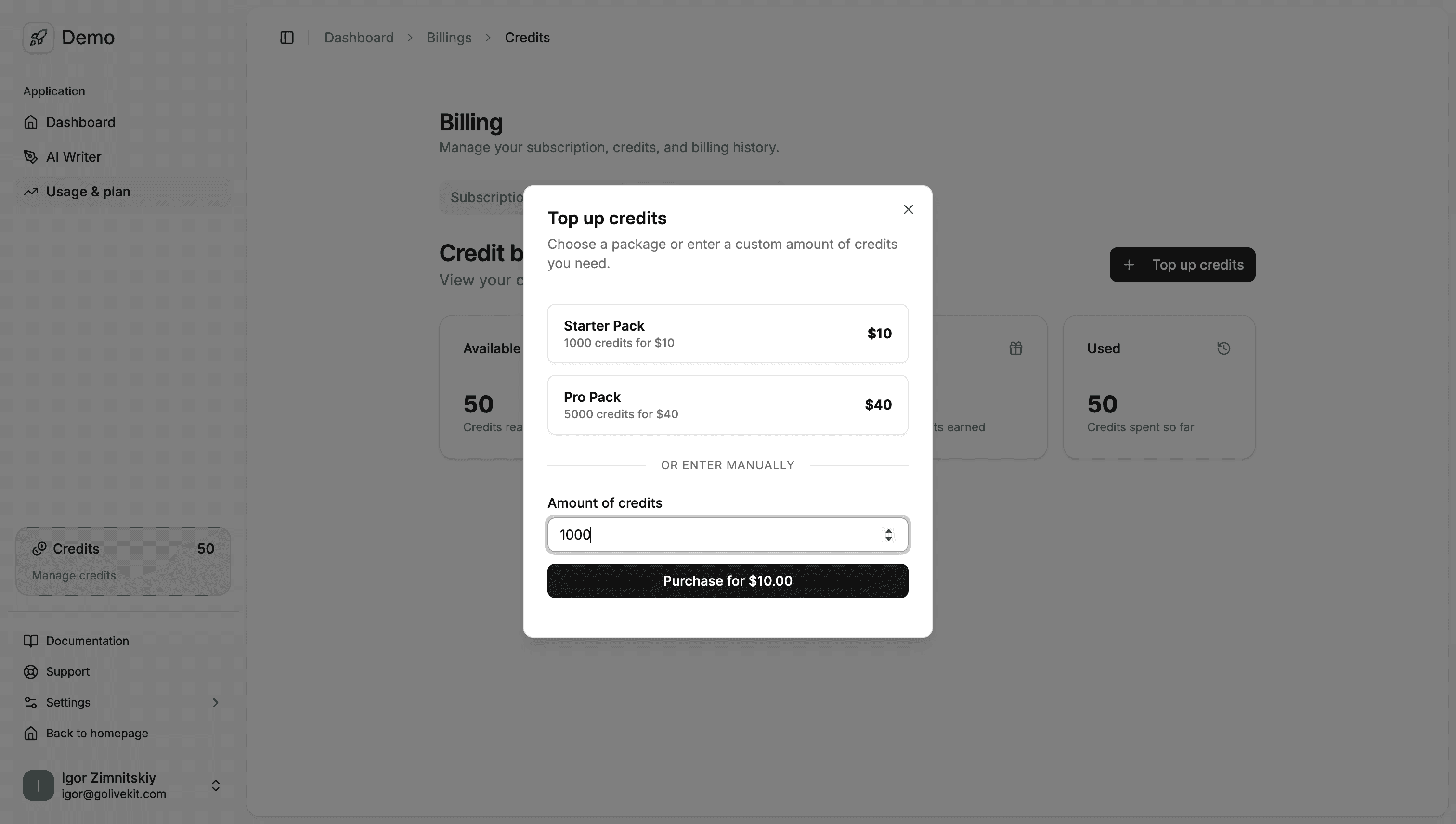
Credits System
Allow users to top up credits for usage-based features.
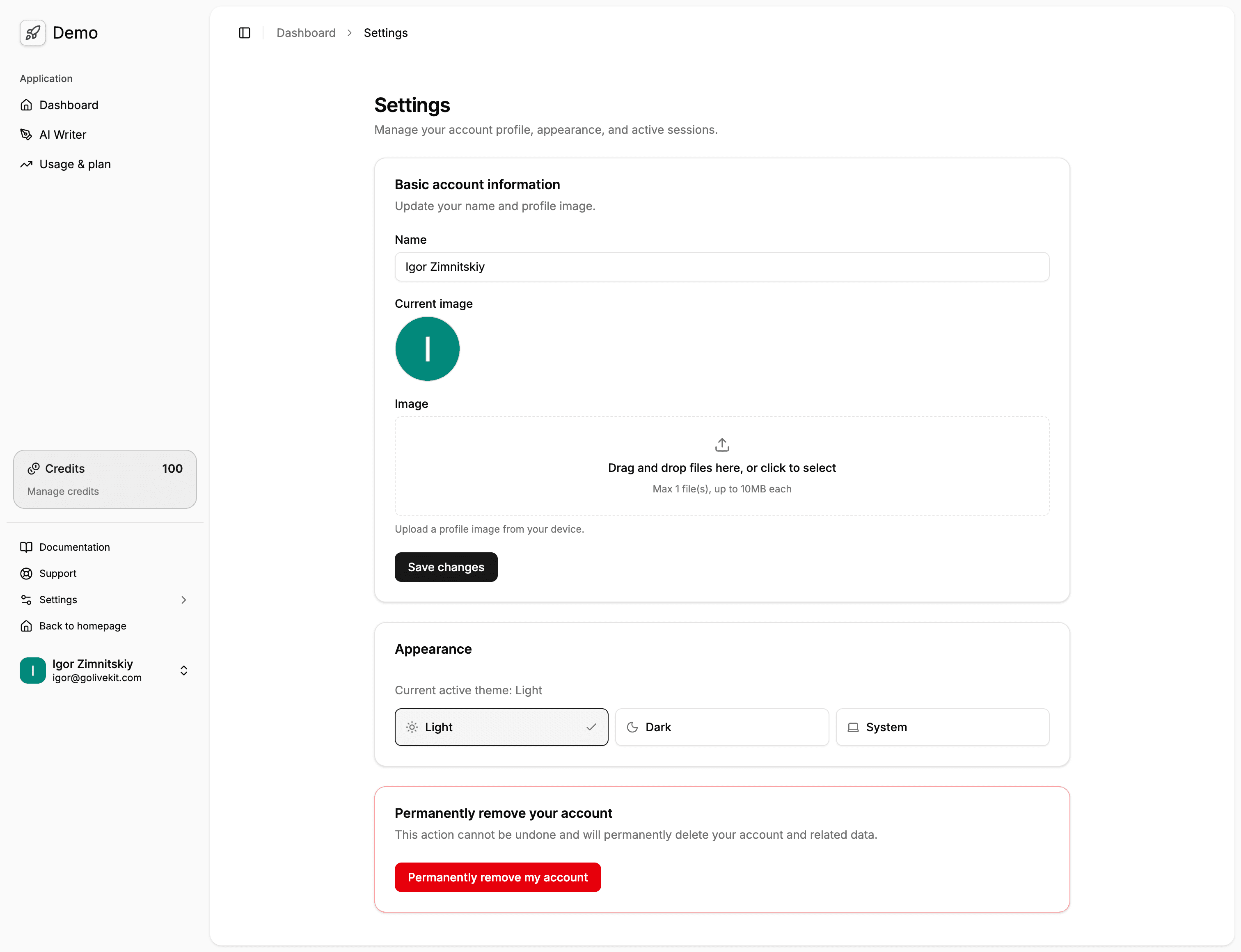
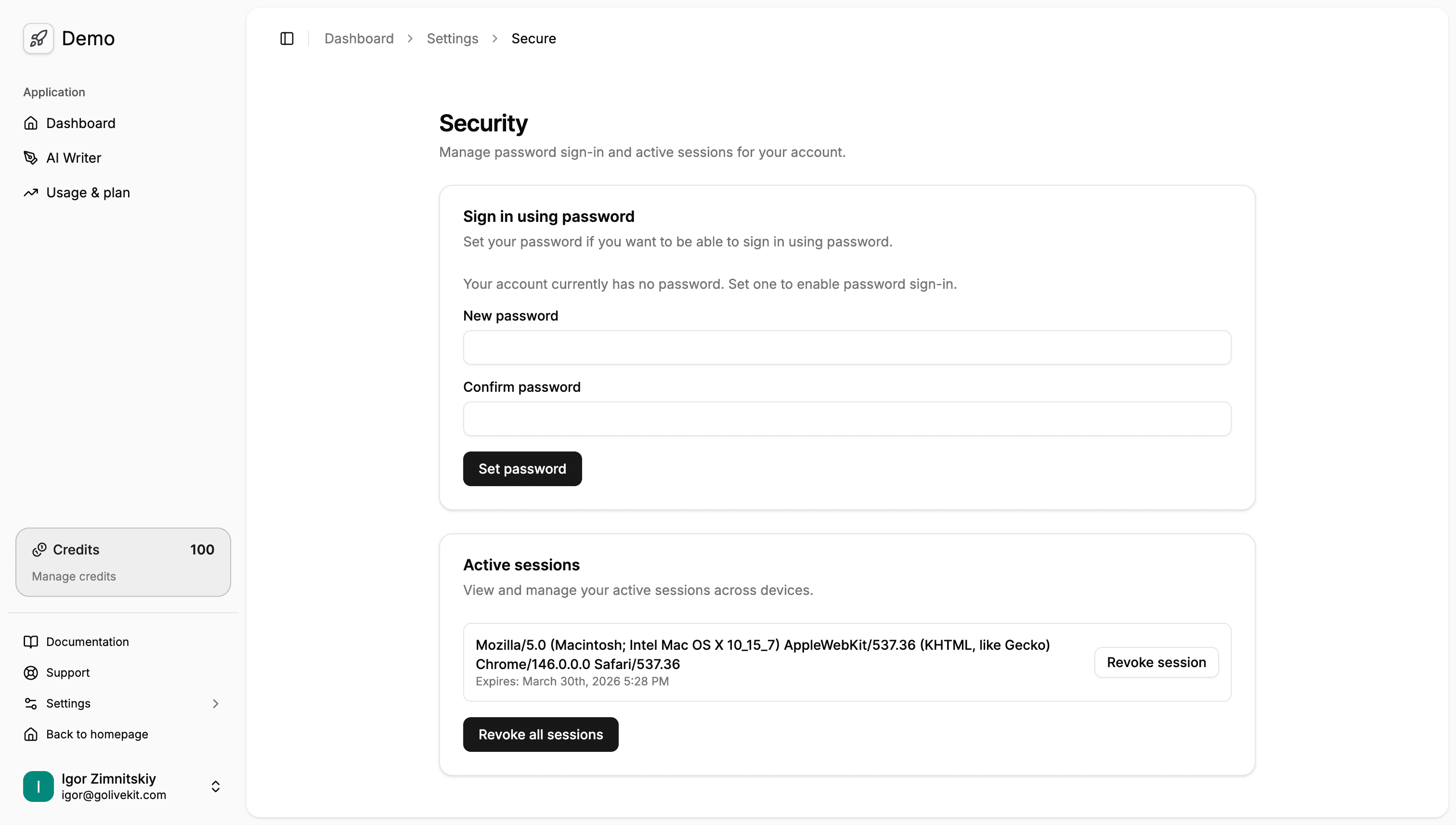
App Settings & Security
Manage profile details and handle security settings like password updates.
Support
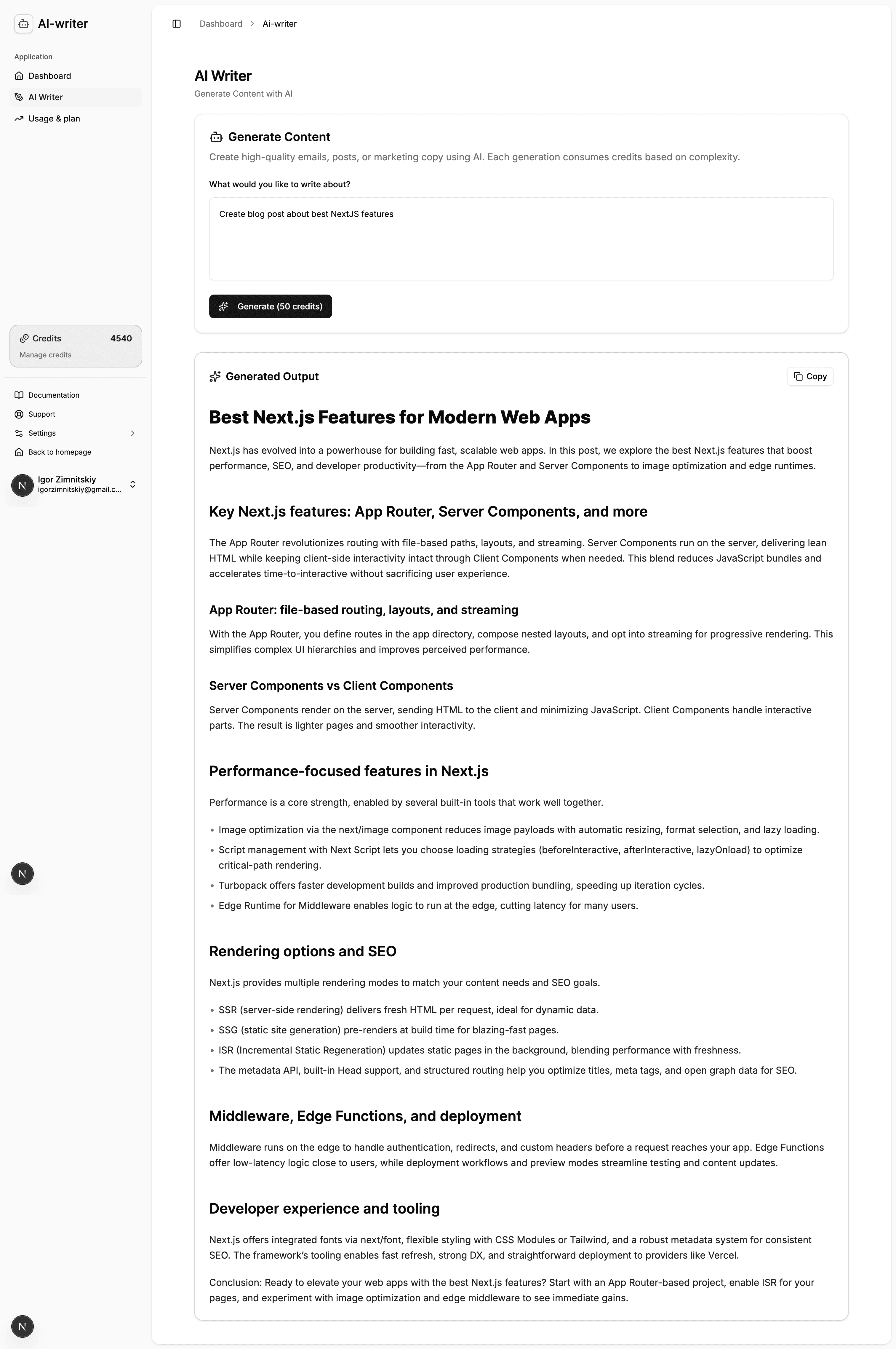
Includes a built-in support section and an AI writer template to kickstart your feature development.
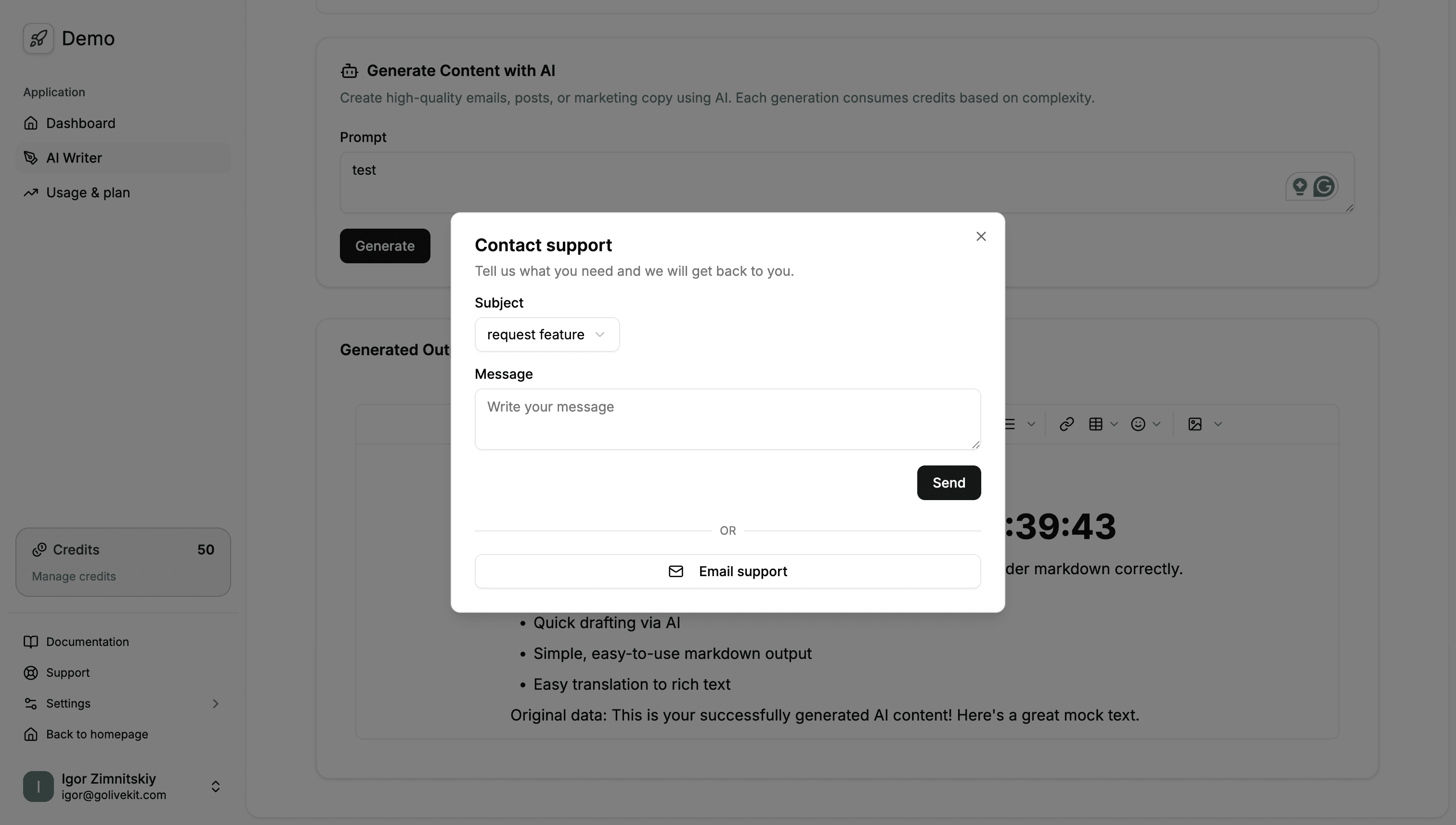
AI writer example
Test feature to cover credits usage and balance top up when credits are low.