Local development
Step-by-step guide to set up GoLiveKit for local development.
Prerequisites
Before you begin, make sure you have the following installed:
- Node.js 22.x or later — nodejs.org
- Docker — required if you want to run PostgreSQL locally via Docker Compose (docker.com)
- Git — version control system (git-scm.com)
- pnpm — package manager pnpm.io/installation
Docker images for local development:
- PostgreSQL 18.3: PostgreSQL database for local development.
- MinIO - S3-compatible object storage, used for local development to avoid AWS costs.
- Mailpit - a local SMTP server to capture outgoing emails during development.
Create and clone the repository
git clone <your-repo-url>
cd repo-name
Add upstream branch and pull changes
Add the golivekit repository as upstream:
git remote add upstream https://github.com/golivekit/golivekit.gitIf you already added upstream during setup, skip this step.
Pull the latest changes from upstream/main:
git pull upstream main --allow-unrelated-histories --rebaseSet up environment variables
Copy the example environment file and fill in the required values:
cp .env.example .envOpen .env and configure all the variables. See Environment Variables for a full description of each variable.
Auth and admin user
In .env file add admin user credentials for local development. Example:
ADMIN_EMAIL=user@gmail.com
ADMIN_PASSWORD=your_secure_password # 8 characters minimum
ADMIN_NAME=Admin
And generate secret for better auth. You can use any random string generator or run openssl rand -base64 32 in your terminal to create a secure secret key.
BETTER_AUTH_SECRET=your_generated_secret_key # e.g iLT/or0SgR4wEZX2Jm226GcsUHqxdhLQOd3aD55zSaE=Database configuration
In .env file add database credentials for local development. Example:
DB_USER=db_user
DB_PASS=db_secret_password
DB_HOST=localhost # it's important to use localhost for local development
DB_PORT=5432
DB_NAME=db_name
DB_SSLMODE=disable
Start local services (PostgreSQL, MinIO, Mailpit)
A docker-compose-local.yml file is provided to spin up a local PostgreSQL database, a MinIO S3-compatible store, and a Mailpit SMTP server (to save costs during local development).
docker compose -f docker-compose-local.yml up -dThis starts the PostgreSQL, MinIO, and Mailpit containers in the background using the credentials defined in your .env file.
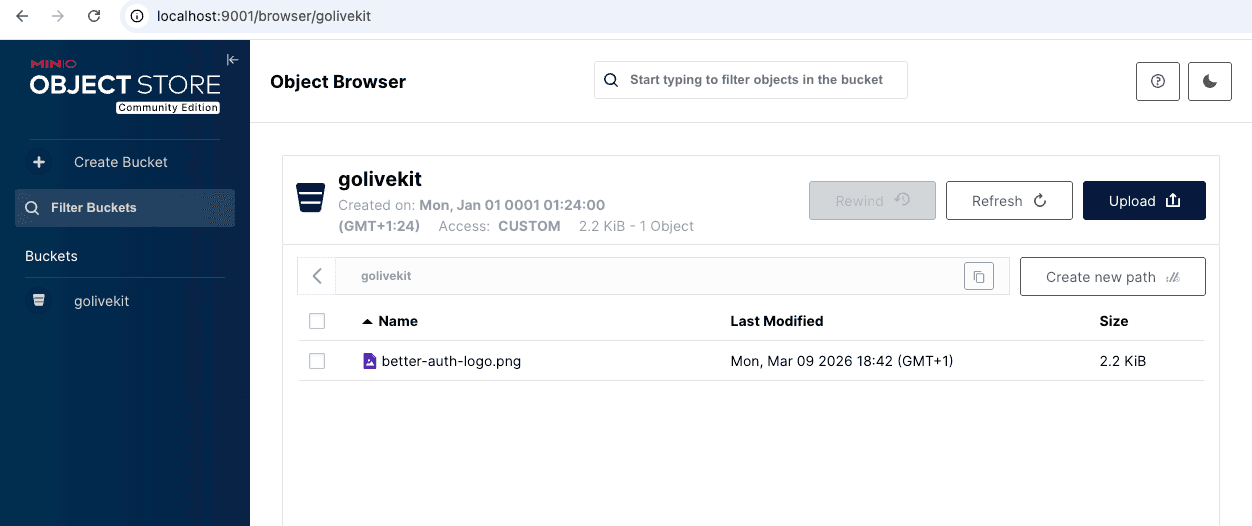
Access MinIO locally
- API: http://localhost:9000
- Admin console: http://localhost:9001
Screenshot of MinIO admin console showing the golivekit bucket and uploaded files.
Optionally, update your .env file with these MinIO settings:
S3_REGION=us-east-1
S3_BUCKET=golivekit
S3_ENDPOINT=http://localhost:9000
S3_ACCESS_KEY_ID=minioadmin
S3_SECRET_ACCESS_KEY=minioadmin
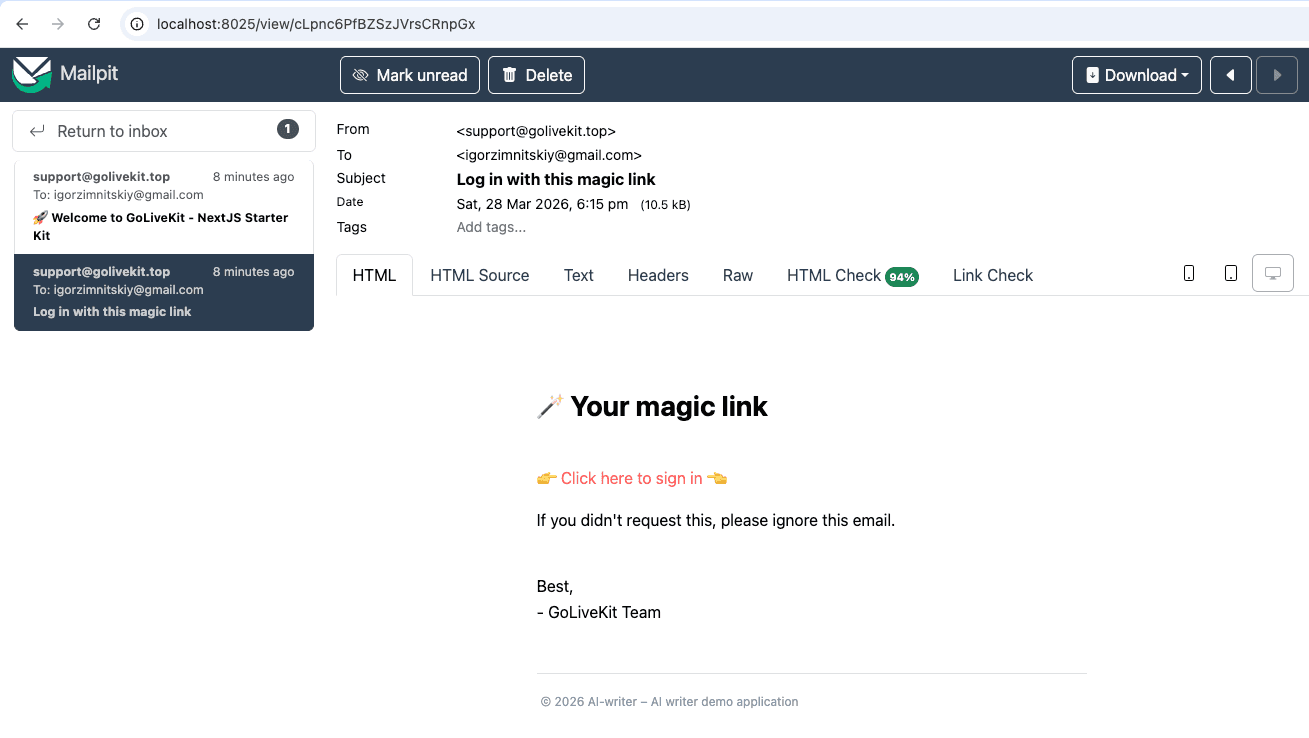
Access Mailpit locally
- Mailpit inbox: http://localhost:8025
Screenshot of Mailpit inbox and email preview.
Optionally, update your .env file with these Mailpit settings:
EMAIL_SERVER_USER=
EMAIL_SERVER_PASSWORD=
EMAIL_SERVER_HOST=localhost
EMAIL_SERVER_PORT=1025
Install dependencies
pnpm installInitialize the database
Run the following commands in order to set up the database schema and seed data:
# Generate the Prisma client
npx prisma generate

# Apply all migrations to the database
npx prisma migrate deploy

# Seed the database with default data
pnpm db:seed